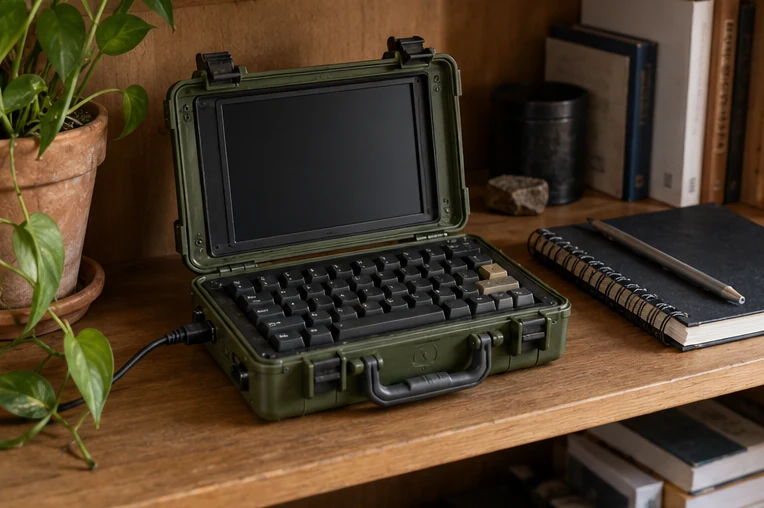
Define a real use
Is it a portable writing terminal, a diagnostic workstation or a compact coding machine? That purpose decides keyboard size, display angle, battery needs and whether the device should actually travel.
Sketch the human geometry
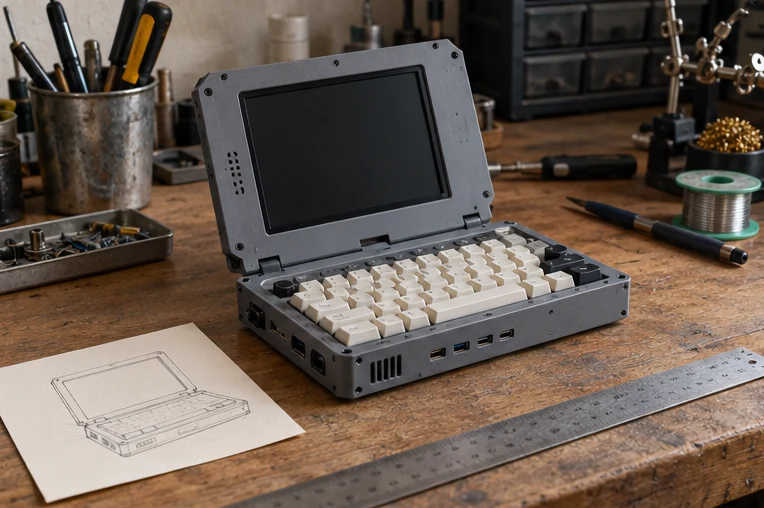
Draw a side elevation with screen, keyboard and wrist position. A case that looks compact in a top-down photo can become awkward when used on a table for more than a minute.
Plan cooling and cable access
Allow room for ventilation, connectors and maintenance. Do not block manufacturer vents or treat an illustration as verified electrical or thermal engineering.
Prototype with paper and foam first
Make a full-scale cardboard outline of the display and input components. Place it on a desk and test reach before selecting enclosures or fastening methods.
A visual planning guide for a future device, without circuitry, wiring or a tested hardware build.